

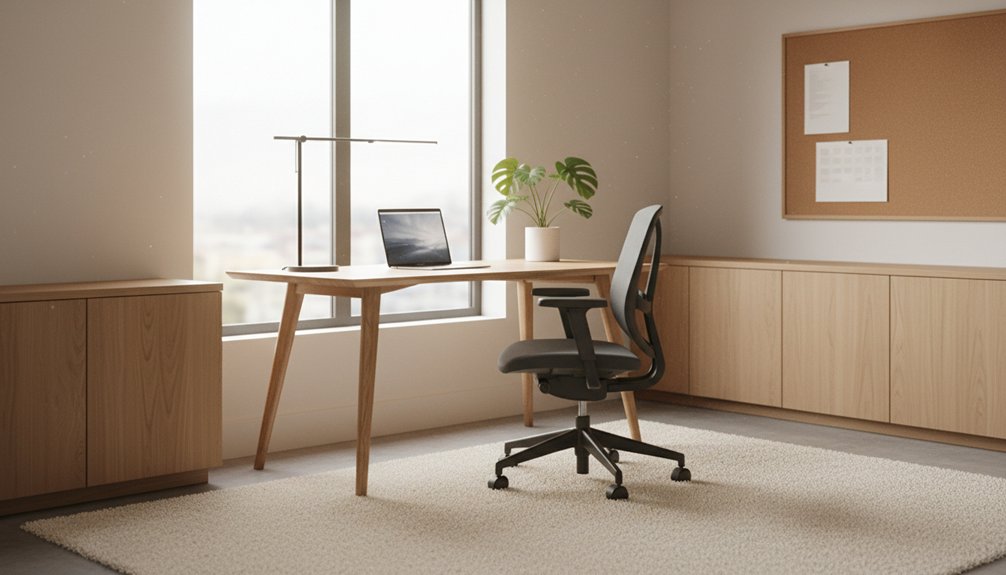
You’ll focus best when you pick a dedicated, low-traffic spot with steady side light and a wall-facing desk. Set your chair so hips sit slightly above knees, feet stay flat, and elbows rest near 90 degrees; center your monitor an arm’s length away with the top at eye level. Use even ambient light plus a glare-free task lamp. Keep only today’s tools out, store the rest, and set noise and notification boundaries. Keep going for a simple setup plan.
Key Takeaways
- Choose a dedicated, low-traffic spot with steady light, minimal noise, and a wall-facing desk to reduce movement distractions.
- Set ergonomics first: supportive chair, feet flat, elbows near 90°, and monitor centered at arm’s length with top at eye level.
- Use layered lighting: even ambient plus angled task light, with 4000–5000K bulbs for daytime focus and warmer light at night.
- Control clutter with zones and storage: keep only today’s tools on the desk, use labeled trays, and reset the surface in two minutes daily.
- Create focus boundaries: close doors, add sound masking, schedule focus blocks, silence notifications, and keep your phone off the desk.
Pick the Best Home Office Spot for Focus
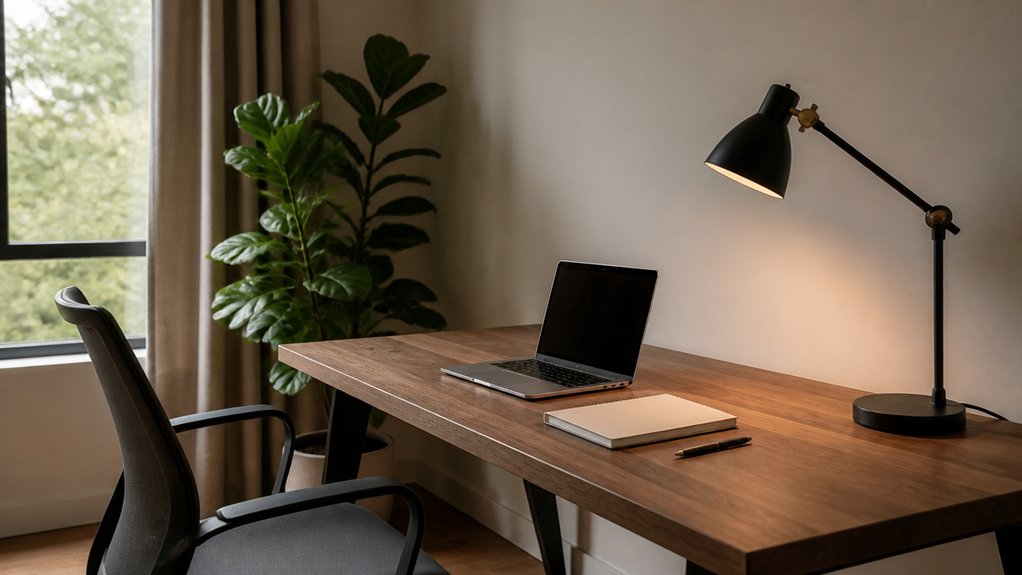
Although you can work from almost anywhere, you’ll focus better if you choose a dedicated spot with steady light, low noise, and minimal foot traffic. Pick a corner that lets you close a door or face a wall, so movement doesn’t pull your attention.
Prioritize natural lighting from the side, not behind you, to reduce glare and keep your energy stable. If you can, place your desk near a window for outdoor views; they give your eyes a quick reset without sending you into distraction.
Keep the zone simple: one work surface, one power strip, and clear pathways. Avoid high-traffic rooms, TVs, and kitchen sightlines.
Test the spot at your busiest hour, then commit.
Set Up Ergonomic Seating and Screen Height
Once you’ve chosen your work spot, set your chair and screen so your body stays neutral and your eyes don’t strain. Start with ergonomic chairs: sit back fully, hips slightly above knees, feet flat, and lumbar support filling the curve of your lower back. Keep armrests low so your shoulders drop, then bring the desk close so elbows stay near 90 degrees.
Dial in screen positioning next. Center the monitor in front of you, about an arm’s length away. Set the top of the screen at or just below eye level, so your neck stays long, not tipped up or down.
If you use a laptop, raise it and add a separate keyboard and mouse. Check that your wrists stay straight as you type.
Use Home Office Lighting to Stay Alert
Because lighting directly affects your focus and energy, set it up like any other tool: deliberate and adjustable. Start with even ambient lighting so your eyes don’t constantly adapt between bright and dark areas. Use a ceiling fixture or wall wash, and keep it dimmable to match morning and late-day work.
Add task lighting at your primary work surface. Aim a lamp from the side, slightly in front of you, to reduce screen glare and hard shadows on paper. Choose a neutral-to-cool bulb (around 4000–5000K) for alertness, then shift warmer in the evening to ease down without strain.
Control reflections: angle your monitor, close sheer glare sources, and avoid bare bulbs in your line of sight.
Build Clutter Control With Storage and Desk Zones
Good lighting keeps you alert, but a crowded surface still steals attention, so build clutter control into your layout. Start by zoning your desk: keep a central work pad open, place your keyboard and mouse in the primary reach zone, and park reference items to the side. Limit what lives on top to today’s tools only.
Then set simple Storage solutions: a shallow drawer for pens and cables, a vertical file for active papers, and a closed bin or cabinet for backups. Use labeled trays to separate “in,” “out,” and “to file,” so stacks don’t form.
For Decor organization, choose one restrained focal item, then hide the rest. Reset the zones in two minutes at day’s end to keep your surface neutral and ready.
Create Focus Boundaries: Noise, People, Notifications
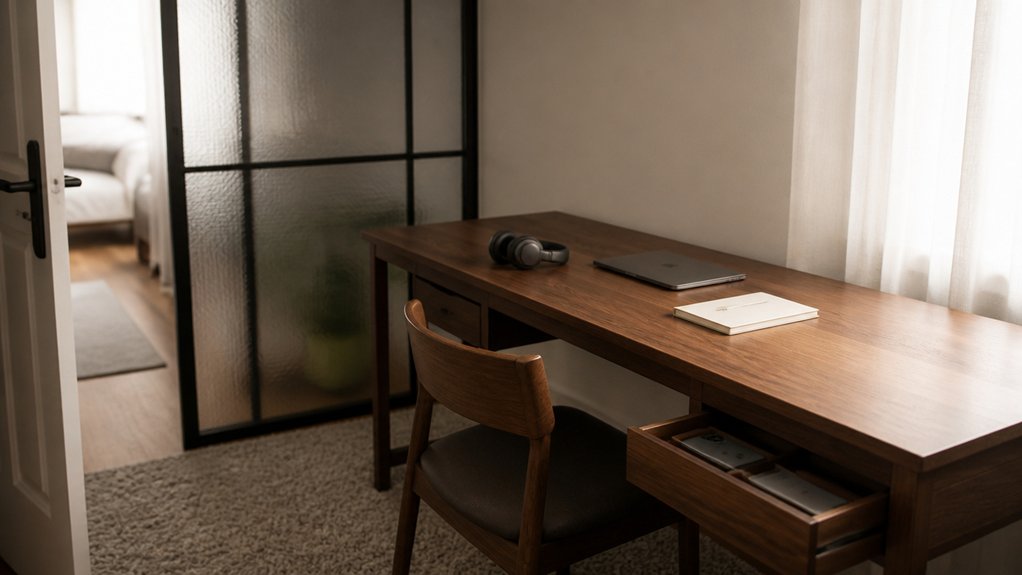
Even if your desk stays clear, noise, interruptions, and constant pings can break your rhythm, so set boundaries before they set you. Start with sound: close the door, add a rug, and run a fan or playlist for sound masking.
If you share space, use visual barriers like a folding screen, tall plant, or monitor riser with side panels to signal “do not disturb” without saying it.
Control people flow with a simple rule: when your headphones are on, you’re unavailable. Post your focus blocks on a calendar others can see.
Then clamp down on notifications: enable Focus mode, batch email checks, and silence chat except for priority contacts. Keep your phone off the desk, face down, or in a drawer.
Conclusion
You’ve set your office up to support focus, not fight it. You’ve picked the right spot, dialed in chair, desk, and screen height, and used clean, bright lighting to stay alert. You’ve built simple zones and storage so clutter doesn’t creep back in. You’ve also set boundaries for noise, people, and notifications—like a modern scribe with a typewriter. Now keep it minimal, adjust weekly, and let the space do the work.