

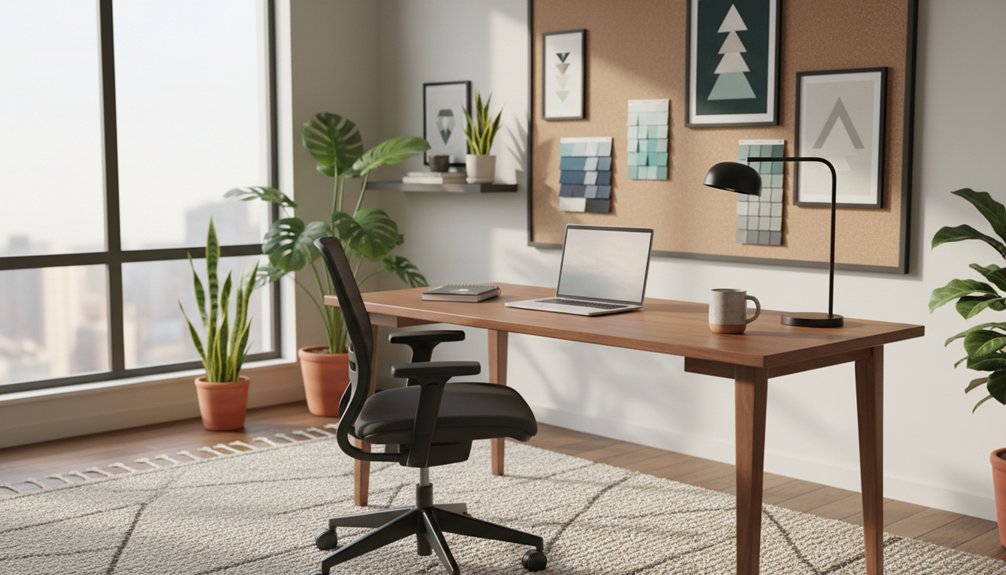
Design your home office so your desk, light, and storage work in sync. Face a solid wall for focus, or sit perpendicular to a window for creative daylight without glare. Keep your monitor at eye level on an arm, route cables out of sight, and add vertical storage to cut visual noise. Create a deep-work zone away from traffic and an admin zone by devices and files. Up next, you’ll see simple upgrades that sharpen both productivity and creativity.
Key Takeaways
- Place the desk against a solid wall or perpendicular to a window to minimize distractions and reduce glare.
- Create separate deep-work and admin zones using distance from traffic, storage placement, and distinct lighting cues.
- Choose ergonomic, space-smart furniture like a slim sit-stand desk, adjustable chair, monitor arm, and compact footrest.
- Use layered lighting—daylight, dimmable ambient, and task lamps—to prevent eye strain and support focus throughout the day.
- Keep surfaces visually clear with hidden storage, vertical filing, and cohesive cool-toned colors, adding minimal art for creativity.
Plan Your Home Office Layout for Focus (3 Layouts)
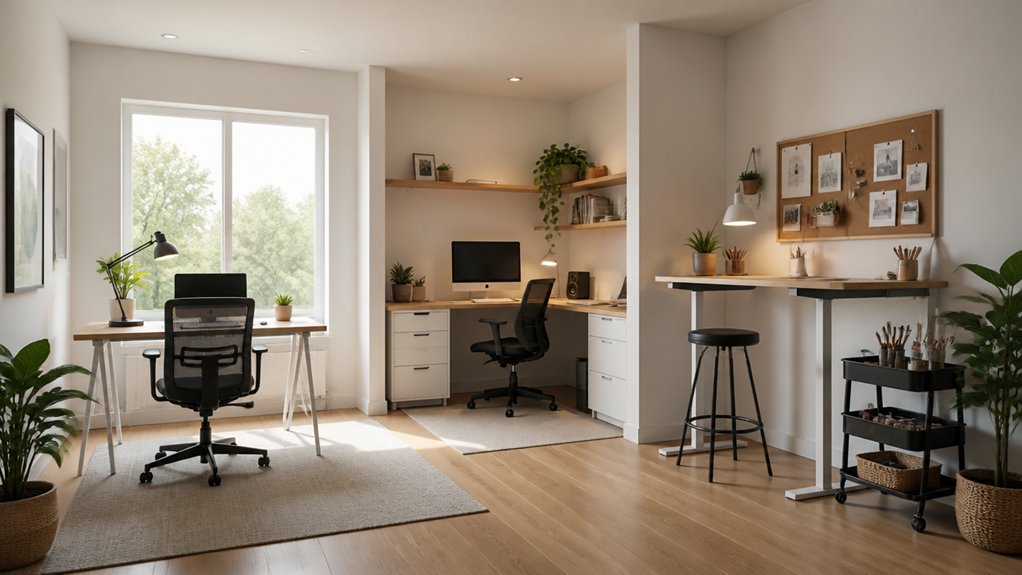
Whether you’re carving out a corner or dedicating an entire room, your home office layout should pull your attention forward, keep your body supported, and make every square foot count.
Start with the Wall-Facing Focus layout: place your desk against a solid wall, align your monitor at eye level, and keep storage vertical to reduce reach and visual noise.
Try the Window-Side Creative layout: sit perpendicular to daylight to cut glare, add a slim credenza for tools, and anchor the view with calm art.
For Open plan layouts, use the Perimeter Pod: push your workstation to the edge, define it with a low shelf or screen, and build private enclaves with a chair-and-lamp nook.
Keep pathways clear, cables hidden, and finishes cohesive.
Create Home Office Zones for Deep Work and Admin
Because your brain treats context as a cue, you’ll work faster when you divide your home office into two clear zones: one for deep work and one for admin.
Place the deep-work zone furthest from foot traffic and noise, using Designating quiet zones with a rug, soft panels, or a bookcase to dampen sound. Keep the surface visually sparse and route cables out of sight to reduce cognitive load.
Set the admin zone near storage and devices so quick tasks don’t invade focus time. Use trays, a vertical file, and a small charging station to compress clutter into one footprint.
Separate the zones with lighting and incorporating color psychology: cooler hues for concentration, warmer accents for brisk calls and paperwork. You’ll switch modes cleanly and feel calmer in the same square footage.
Choose Ergonomic Home Office Furniture for Your Space
If your home office has to do double duty in a tight footprint, ergonomic furniture needs to earn its space while still looking intentional. Start with Adjustable furniture: a sit-stand desk with a slim top and cable channel, and a chair with seat-depth, lumbar, and arm adjustments so your posture stays neutral.
Choose a desk depth that fits your monitor at eye level without forcing a reach, and keep your elbows at roughly 90 degrees. In small rooms, pick a chair with a narrow profile and smooth casters that glide under the desk.
Add Ergonomic accessories that disappear visually yet work hard: a low-profile footrest, compact keyboard tray, and monitor arm that frees surface area. Match finishes to your room so the setup reads calm, not clinical.
Set Home Office Lighting to Prevent Glare and Fatigue
Ergonomic furniture sets your posture, but lighting determines how long you can work without squinting or fighting screen glare. Position your desk perpendicular to windows so natural light fills the room without reflecting off your monitor. Add a sheer shade to soften contrast and support glare reduction during bright hours.
Keep your screen slightly below eye level and tilt it to dodge hotspots.
Layer light sources for comfort and style. Use an adjustable task lamp with a diffused, warm-to-neutral LED (3000–4000K) aimed at your keyboard, not your eyes. Balance it with a slim ceiling or wall fixture to eliminate harsh shadows without eating up desk space. Dimmer control helps you match light to time, maintaining focus and reducing fatigue.
Cut Home Office Noise and Visual Distractions
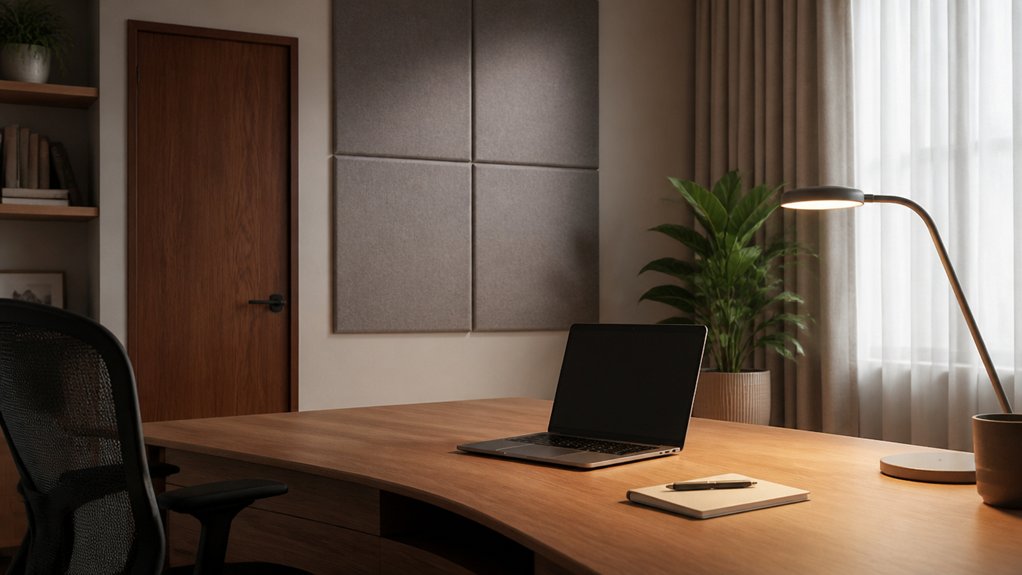
While great lighting keeps your eyes fresh, a quieter, cleaner visual field keeps your brain on task. Start with soundproofing techniques that fit your footprint: lay a dense rug, add felt pads under chair casters, and hang a thick curtain over the door gap. If you take calls, mount a slim acoustic panel at head height behind your monitor to absorb reflections without stealing floor space.
Next, use visual barrier solutions to block motion and busy backgrounds. Angle your desk so you face a calm wall, not a hallway. Add a low screen or a frosted glass divider to define your zone while keeping light flow. Keep your monitor centered and eye level so your neck stays neutral and steady.
Add Home Office Storage to Hide Clutter Fast
Because clutter steals both surface area and focus, you’ll work faster when you build storage that disappears the mess on demand. Start with hidden storage that keeps reach zones clear: a slim drawer unit under your desk, a keyboard tray with a pouch, or a monitor riser with compartments.
Mount floating shelves with lift-up doors above eye level so supplies stay accessible without crowding your sightline. Use vertical file bins inside a cabinet to keep papers upright, reducing shoulder twist and wrist strain when you grab them.
Add a rolling credenza that tucks under a standing desk to preserve leg clearance and posture changes. For clutter concealment, label interiors, not exteriors, and route cables into a lidded box so your workspace looks calm instantly.
Pick Home Office Colors and Textures That Energize
Once your storage hides the visual noise, your color and texture choices can set the pace for how alert and comfortable you feel at the desk. Use Color psychology to steer energy: cool whites and soft greens keep focus steady, while muted blues reduce strain during long screen sessions.
Add a warm accent—terracotta, saffron, or coral—behind your monitor to lift mood without stealing attention.
Balance light with ergonomics: choose matte wall paint to cut glare, and keep high-chroma colors off large surfaces in tight rooms. Build texture combinations that feel grounded in small footprints—smooth desktop, woven rug underfoot, and a tactile chair fabric for breathability.
Repeat one texture in two places to unify the view and make the workspace feel wider.
Personalize Your Home Office Without Adding Clutter
If your office needs to feel like you without eating up surface area, choose a few high-impact details that earn their footprint. Hang one large print or a tight gallery grid at eye level to reduce neck strain and keep your desk clear.
Add personalized decor that multitasks: a corkboard with pinned goals, a magnetic rail for tools, or a slim wall shelf for one plant and a framed photo.
Lock in clutter free organization with vertical storage and hidden cable paths. Use a monitor arm, under-desk tray, and lidded bin so essentials stay within reach yet out of sight.
Keep a single catchall cup for pens, then limit everything else to drawers. Your space stays calm, efficient, and unmistakably yours.
Conclusion
Design your home office like it’s a tool: you’ll sit better, think clearer, and create faster. Choose a layout that protects focus, zone tasks so you don’t context-switch, and match ergonomic furniture to your square footage. Layer glare-free lighting, mute noise, and hide clutter with quick-access storage. Keep colors and textures energizing but controlled. Remember, “less is more”—you’ll gain space, comfort, and style without sacrificing personality.